

Edit the website
Quick summary: Edit the layout in the website’s main language, then complete each translation with Translate in every published language.
Edit content
Section titled “Edit content”-
Sign in, open the page in the main language, and click Edit.
-
Drag a block from Blocks to a highlighted position.
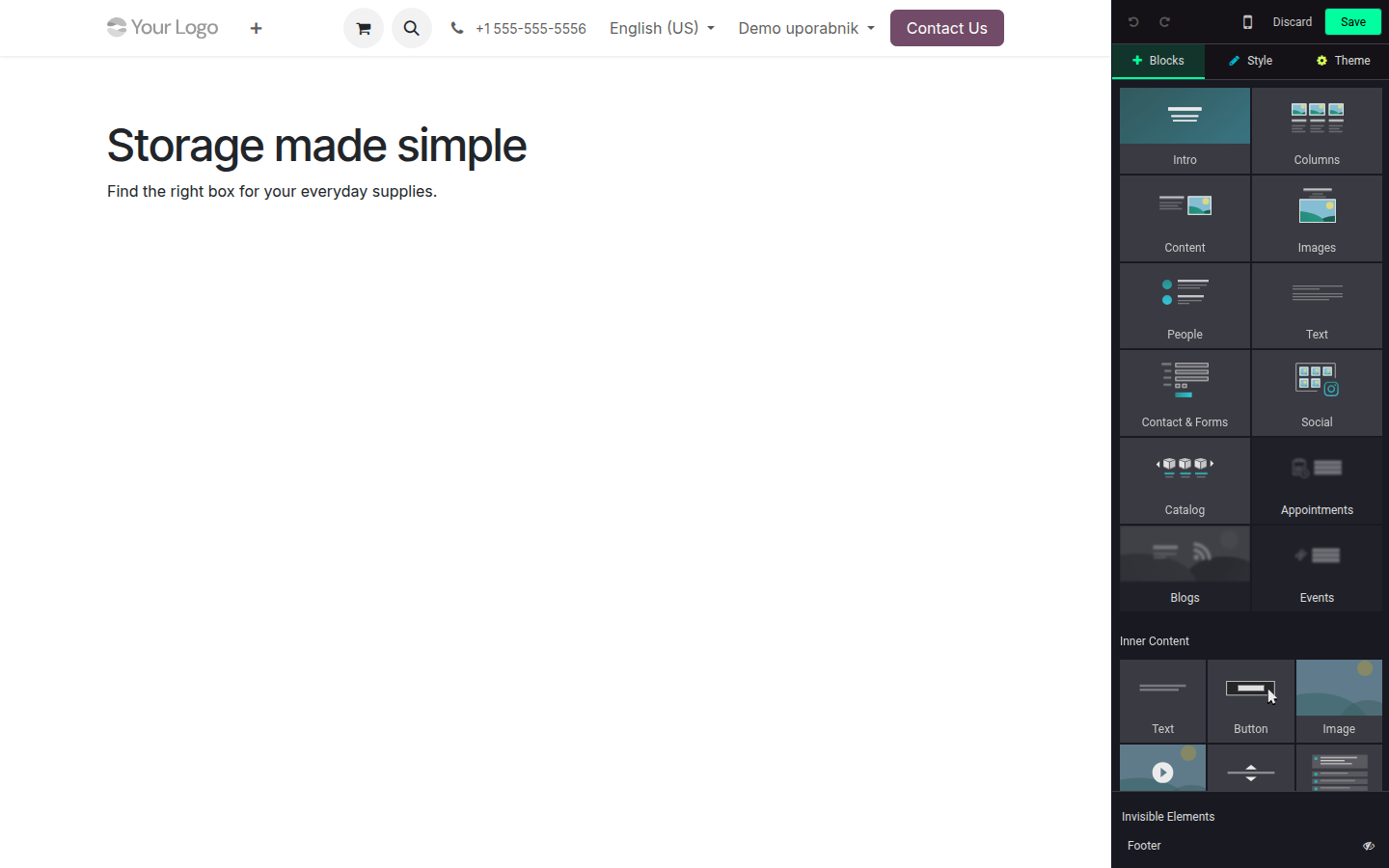
Open image at full size (new tab) The example website uses English as its main language and Slovenian as a translation.
-
Select the block and use Style to adjust its background, spacing, width, or layout.
-
Edit text directly; select a portion to format it with the inline toolbar.
-
Click Save and review both desktop and mobile layouts.
Style options affect the selected block. Theme changes shared colours, fonts, buttons, and layouts across the whole website, so use it carefully.
Translate the page
Section titled “Translate the page”-
Save all layout changes in the main language first.
-
Switch to another language and choose Edit > Translate.
-
Translate new or changed text. Green text is translated; yellow text still needs attention.
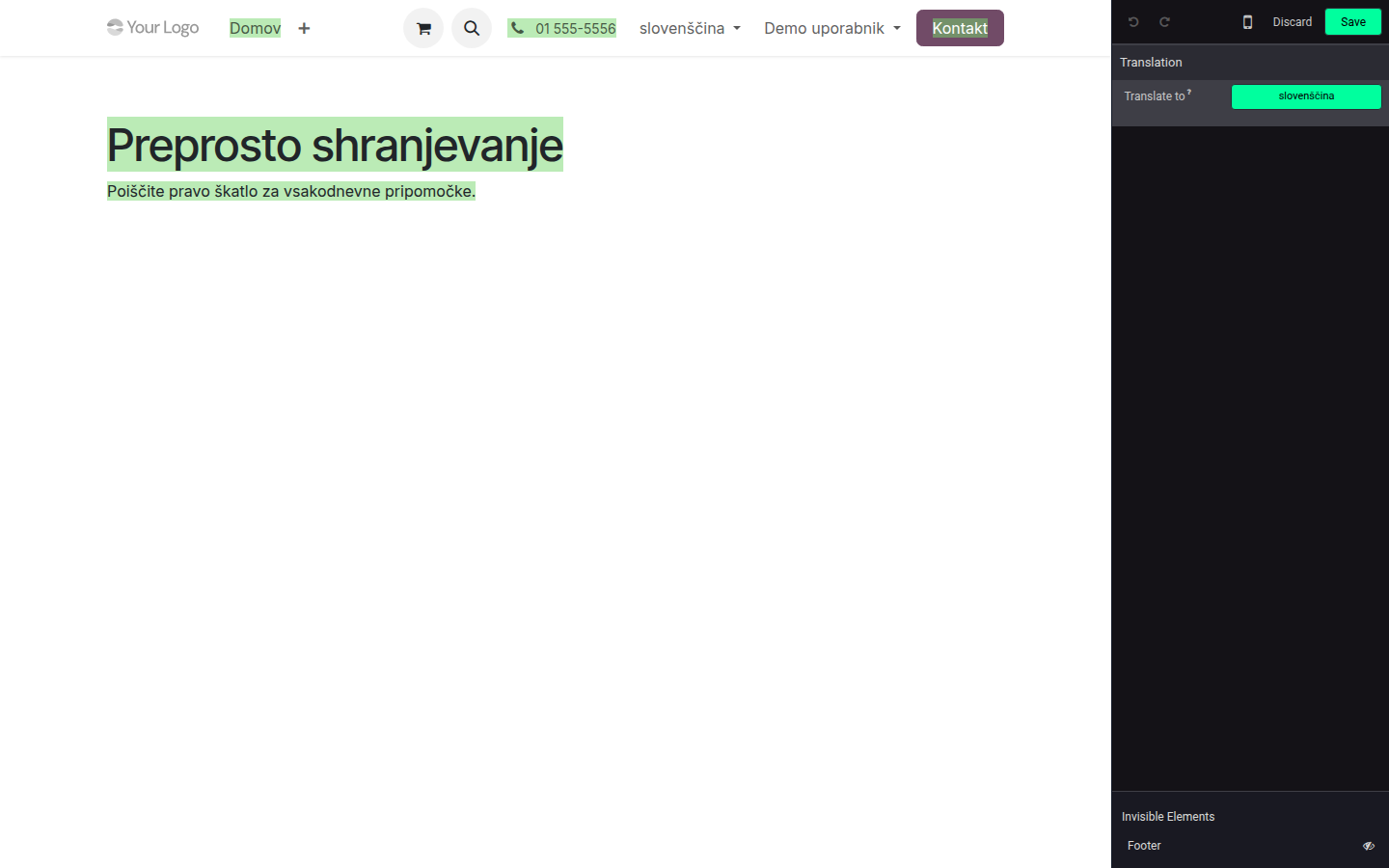
Open image at full size (new tab) -
Save and repeat for every published language.
See also the official Odoo 19 documentation.