

Open the register and complete a sale
Quick summary: Verify opening cash, select the customer and goods, and record the payment received.
Before you start
Section titled “Before you start”You need access to the assigned Point of Sale, configured payment methods and functioning peripherals where used. Check which employee is signed in and use the register assigned to your shift. Prices, taxes and payment-terminal setup are maintained by the responsible manager.
Open the register
Section titled “Open the register”- Open Point of Sale and click Open Register on the correct register. If a session is already open, use Continue Selling after checking the handover instead of opening another session.
- If opening control is shown, count the cash physically and check Opening cash. Do not simply accept the previous session’s expected amount when the drawer differs.
- Record the actual amount and relevant handover note, then click Open Register. Check your employee identity and that the sales screen is ready.
Sell and take payment
Section titled “Sell and take payment”-
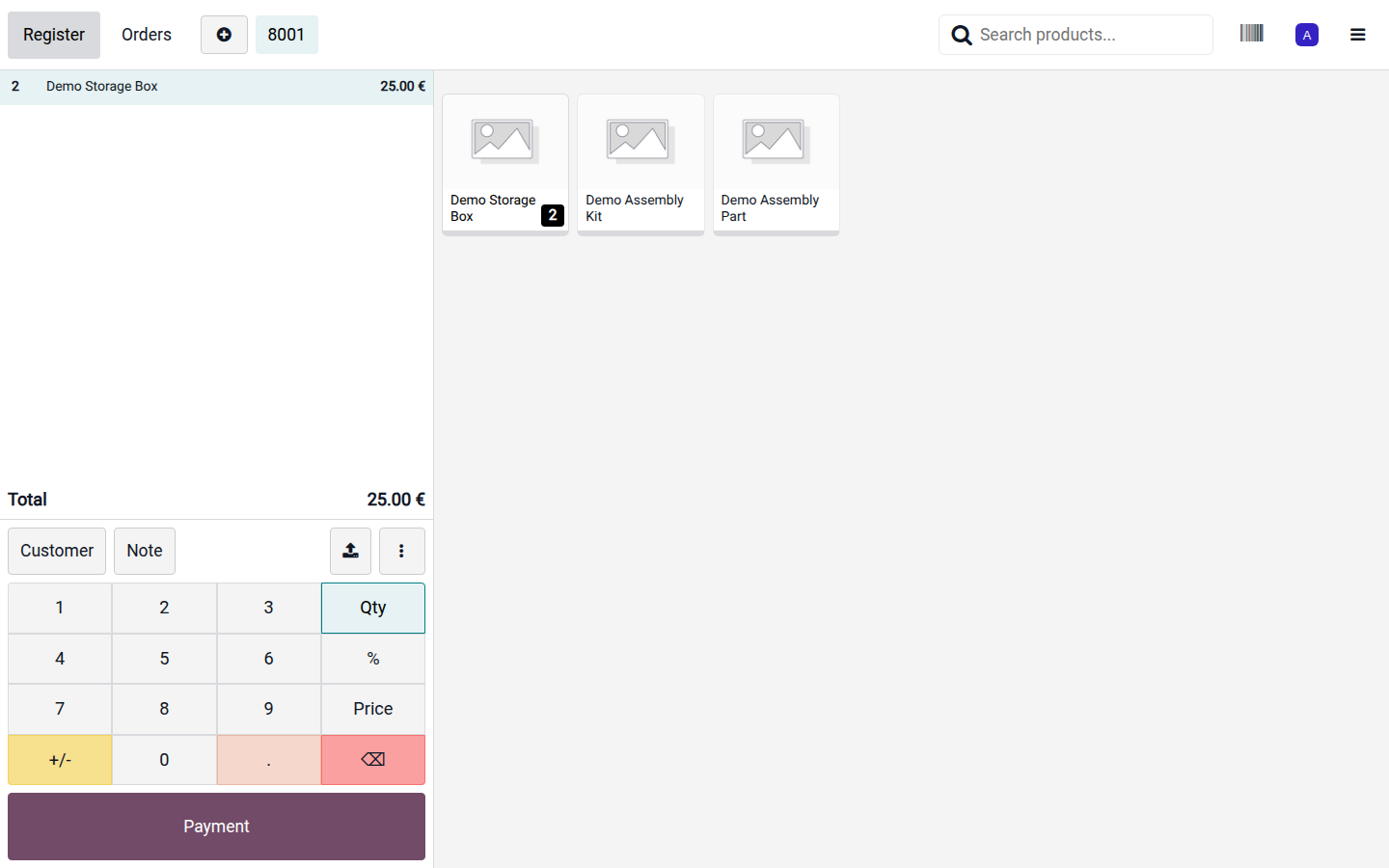
Select or scan the products. Check the quantity, unit price, taxes and any authorized discount in the cart. A packaging barcode may represent more than one unit.
Open image at full size (new tab) -
Select the existing customer when an invoice, customer price list or loyalty record is required. Verify the customer before payment; search before creating a duplicate contact.
-
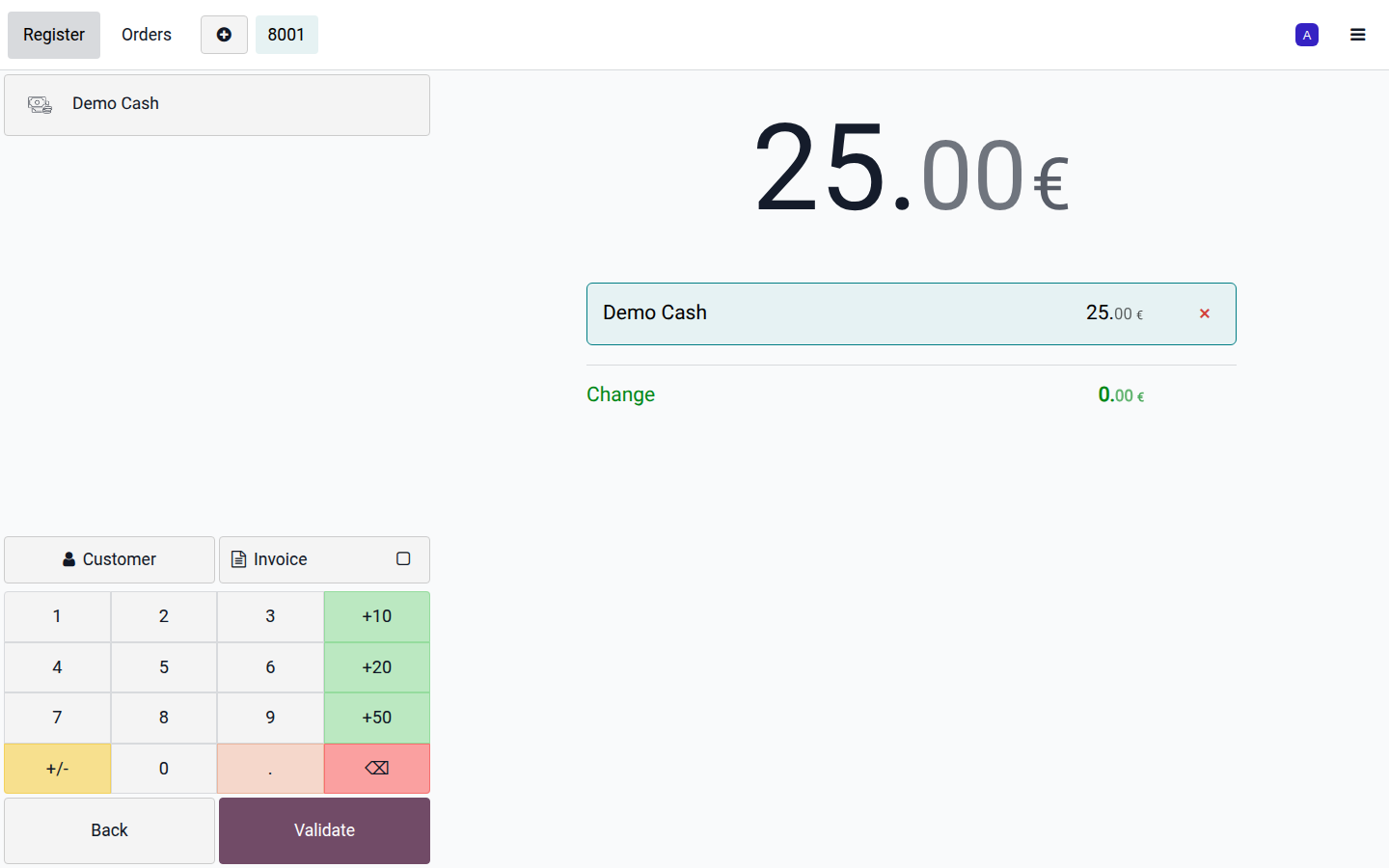
Click Payment. Select the payment method actually used and enter the amount received. For split payment, add the corresponding methods and amounts until the balance is covered.
Open image at full size (new tab) -
For a connected terminal, wait for its successful result. If the outcome is unclear, check the terminal and order status before charging again. For cash, check the amount tendered and change due.
-
Click Validate when payment is complete. Give the receipt to the customer by the configured print or sending option, then start the next order.
Result and follow-up
Section titled “Result and follow-up”The order is paid and its receipt can be retrieved from Orders. Stock processing depends on the register configuration and may occur during the session or on closing. Closing the browser is not the same as closing the register.
For a drawer deposit or withdrawal unrelated to a sale, use the cash-in/out action and record the reason; do not create a fictitious sale. Follow refunds and closing at the end of the shift.