

Price history
Quick summary: Enable price history on a pricelist. Odoo records prices hourly and uses the history when displaying the lowest price on the website.
Enable recording
Section titled “Enable recording”- Open Sales > Products > Pricelists.
- Select the pricelist whose prices should be tracked.
- Enable price-history recording and save.
- Repeat for each pricelist used by the website.
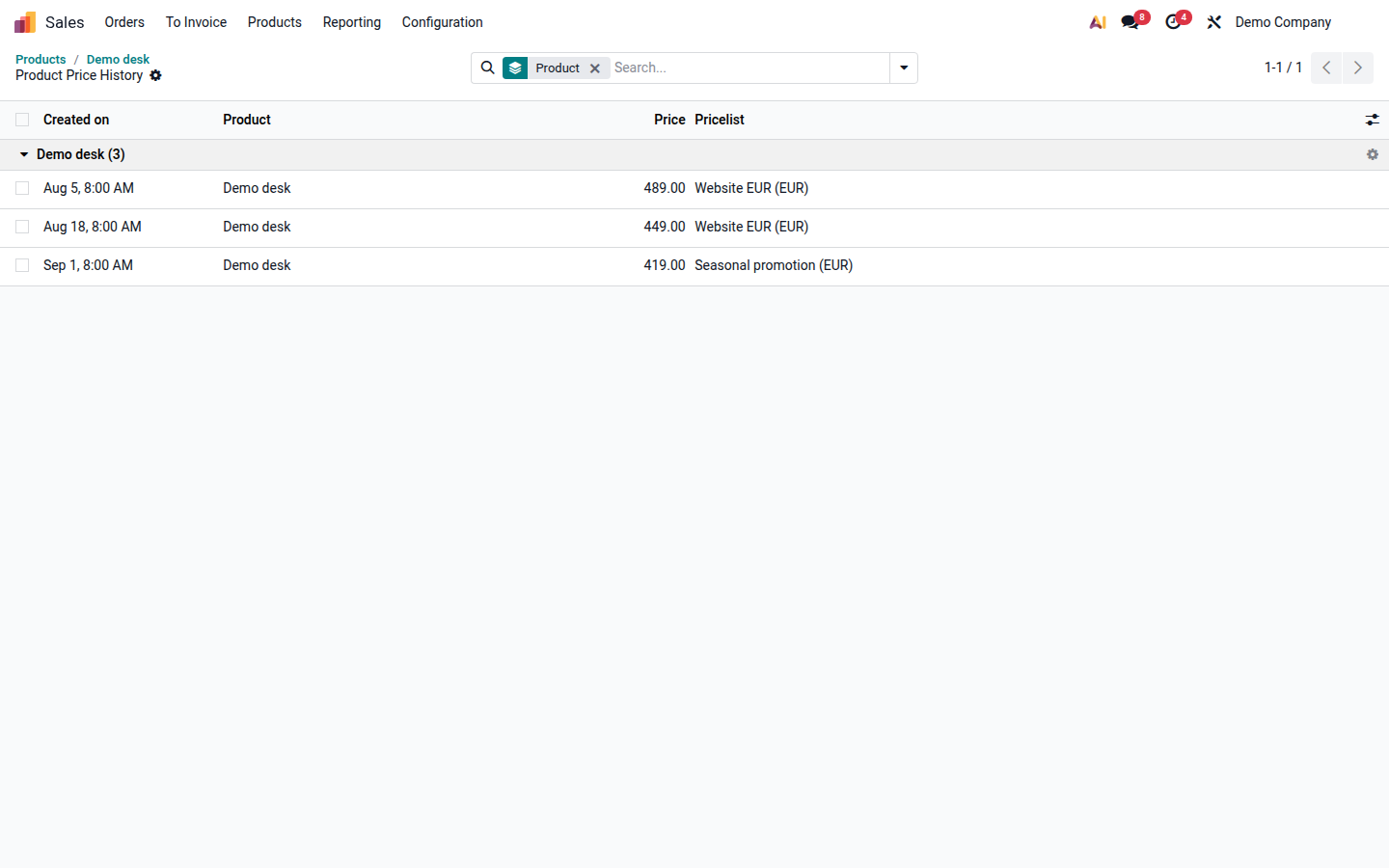
Review a product’s history
Section titled “Review a product’s history”- Open the product.
- In the smart buttons, choose More > Price History.
- The list is grouped by product variant and includes every tracked pricelist.