

Send a contract for signature
Quick summary: Choose the correct language template, verify each contact’s language, and define the signing order before sending.
Prepare the request
Section titled “Prepare the request”-
In Sign > Templates, open the required language version.
-
Review the PDF and all mandatory signature fields.
-
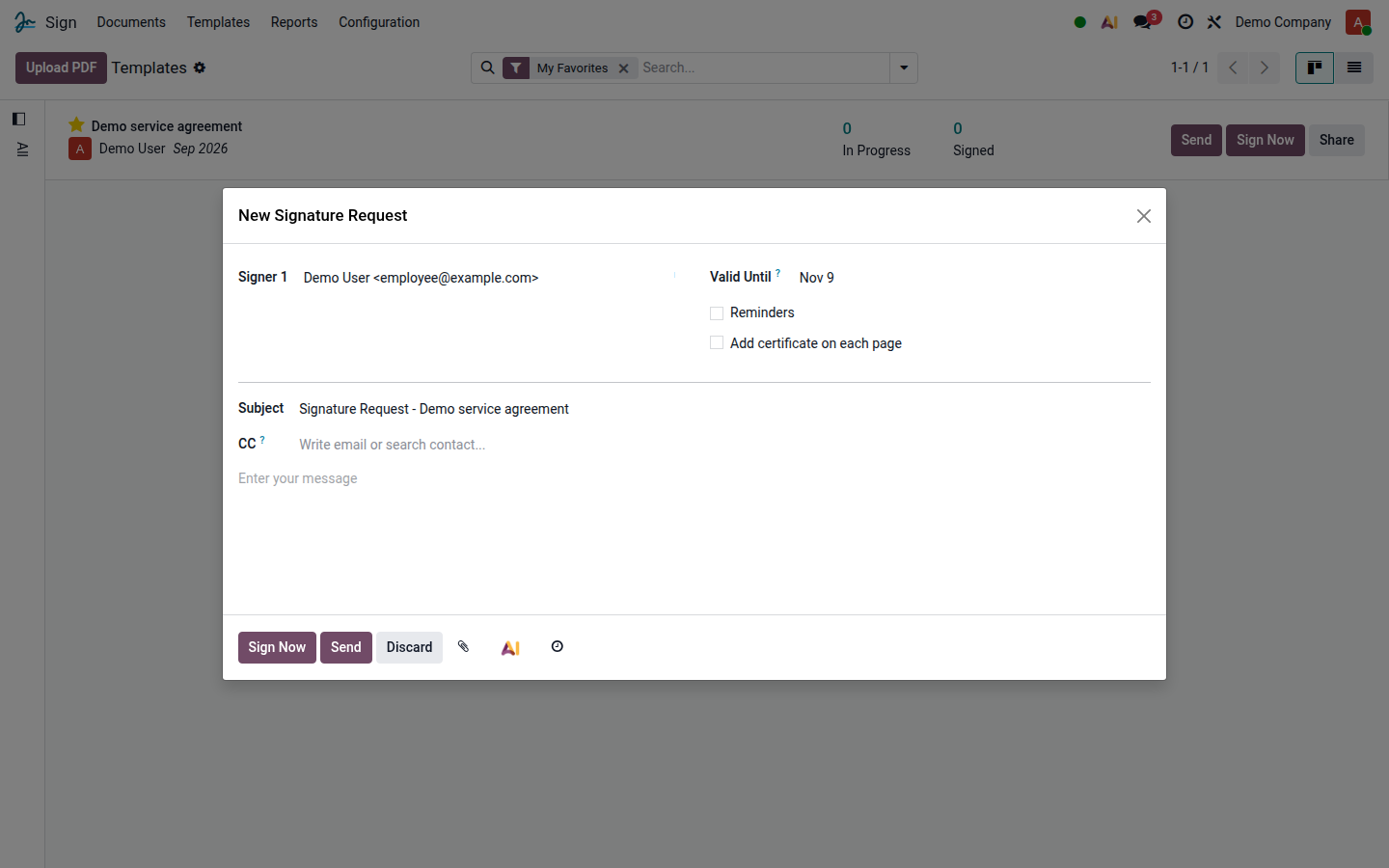
Click Send.
-
Select the correct contact for every role and verify the email address.
Open image at full size (new tab)
The language of automatically inserted values follows the selected contact’s language, not only the template language. If one person signs both Slovenian and English documents, use clearly labelled contact variants or adjust the contact language before sending.
Signing order and delivery
Section titled “Signing order and delivery”- Enable Signing Order when an internal approver must sign first.
- Put the internal signer first and the customer second.
- Review the subject and message, then click Send.
- Track each signer’s status in the request list and send a reminder when needed.