

Invoices
Quick summary: A draft is editable; a posted invoice already affects the general ledger and tax records. Verify the partner, dates, taxes, and payment terms before posting.
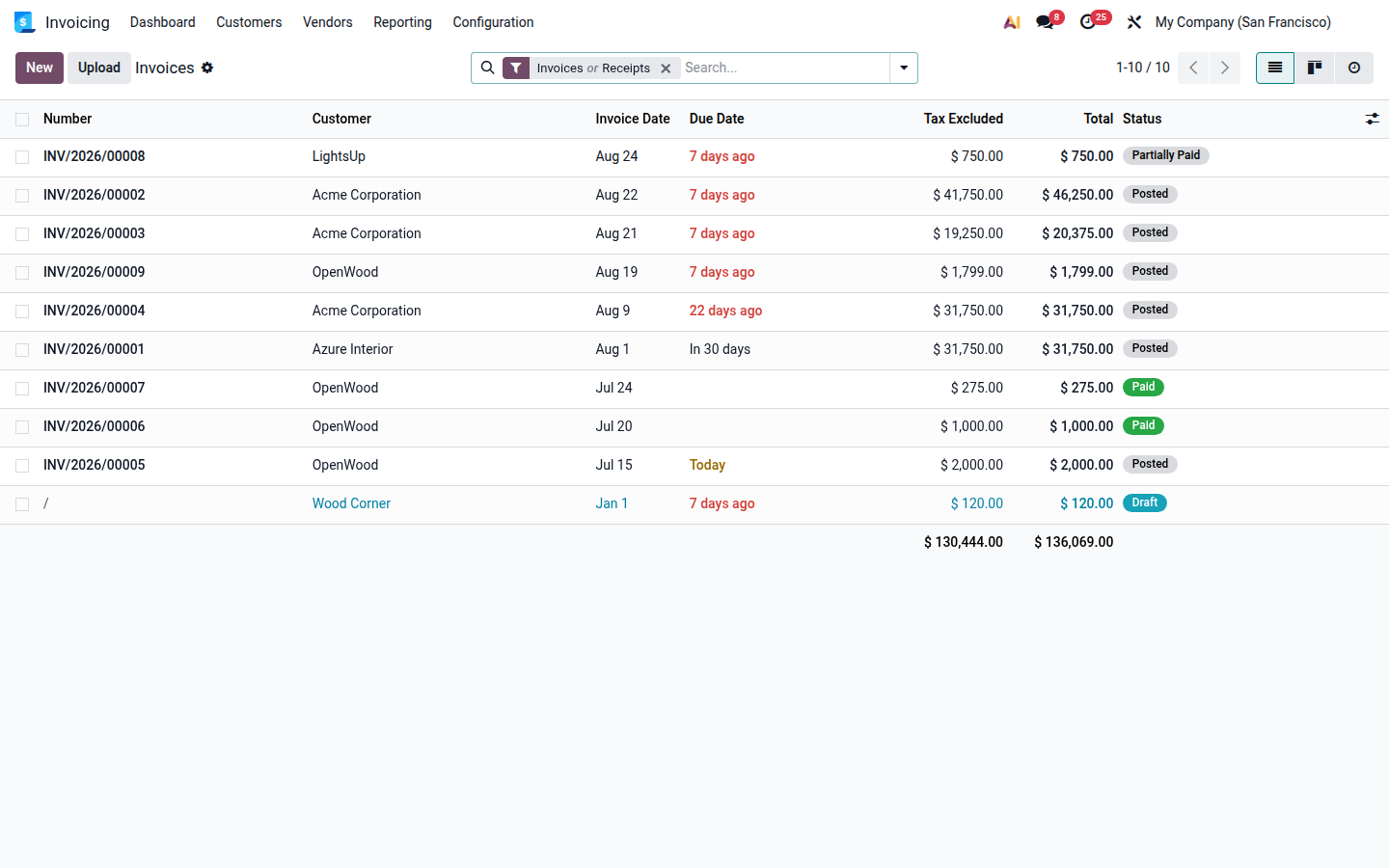
Open
Important dates
Section titled “Important dates”- Invoice Date: issue date and normally the tax date.
- VAT Correction Date: used when a document belongs to an earlier tax period.
- Due Date: payment deadline, also calculated from payment terms.
- Delivery Date: actual delivery of goods or performance of services.
Before posting, preview the journal items and check the fiscal position, currency, accounts, and supporting attachments.
Guides
Create, post, and send a customer invoicePrepare a standalone or order-linked invoice and check its accounting and payment status.
Record and verify a vendor billEnter a supplier invoice, match purchasing documents, and avoid duplicate liabilities.
Review posted invoicesUnderstand the Reviewed flag, check accounts and taxes, and safely correct invoices that need review.
Taxes on invoicesHow the partner, country, VAT number, and fiscal position determine taxes.
Record import VAT from an MRNRecord import VAT on the related vendor bill and align it with the MRN customs document.
Correct accounts in bulkChange the account on multiple selected journal items at once.
Down-payment invoicesIssue, receive, and consume a down payment on the final invoice.
Correct posted invoicesChoose between resetting to draft and issuing a credit note with a replacement invoice.
Send invoices through BizboxPrepare the partner and invoice, then send an e-invoice through Send & Print.
Import and export e-SLOG invoicesExchange eSLOG 2.0 files and verify the resulting draft or outgoing attachment.
Check FURS invoice certificationUnderstand ZOI, EOR, pending certification, and the next action after an error.