

Communicate and follow up on a record
Quick summary: Keep discussion and follow-up on the business record so colleagues can see the context.
Choose the right communication
Section titled “Choose the right communication”Send message is correspondence: check recipients before sending because customers or other external followers may receive it. Log note is intended for internal discussion; mentions can notify the people you select. Do not treat either composer as private storage for secrets.
Attachments belong to the record’s communication history. Verify the file and recipients before sending; downloading or forwarding a file creates another copy outside Odoo.
Send and follow up
Section titled “Send and follow up”-
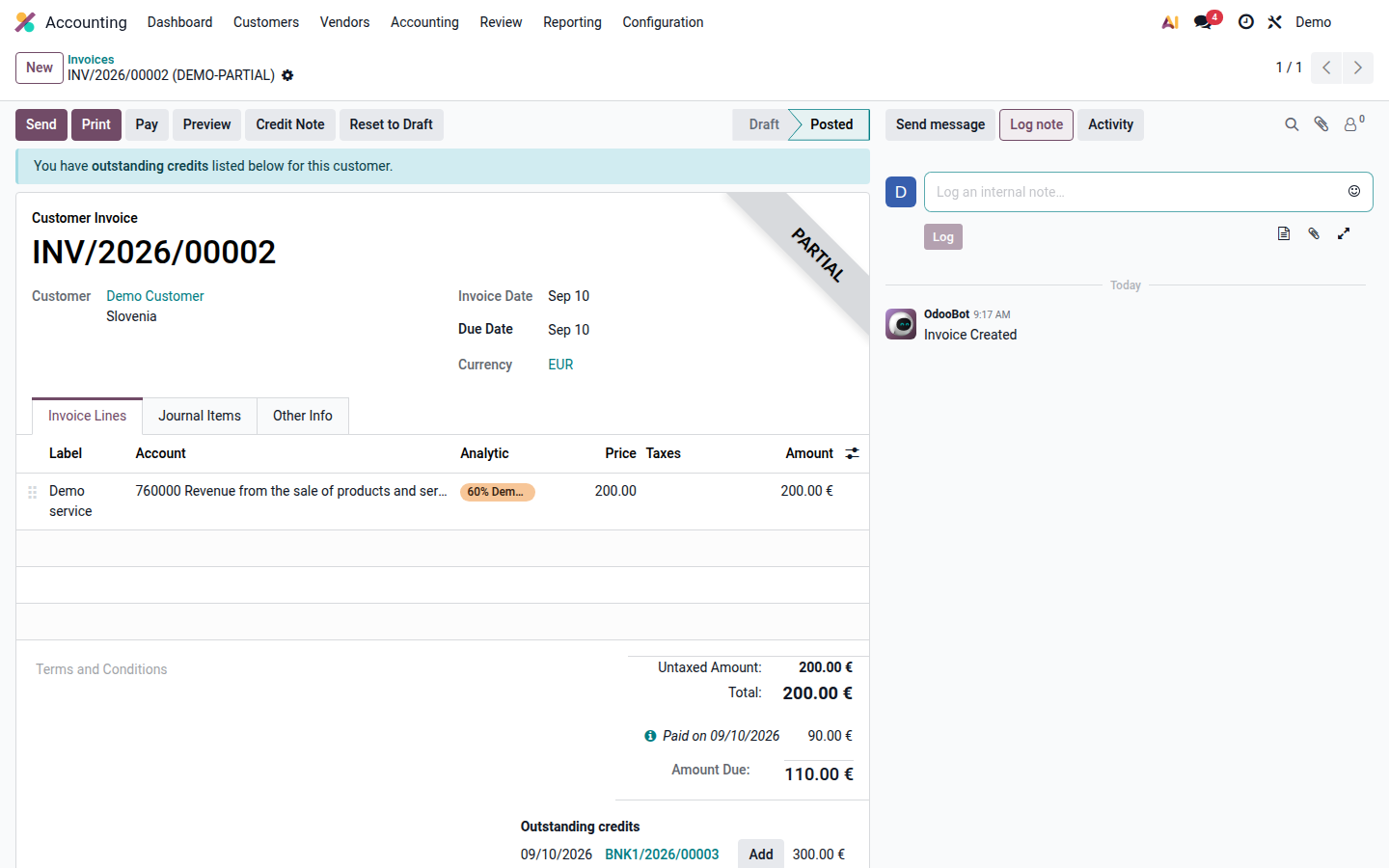
Open the correct task, order, invoice, or contact and find its chatter panel.
-
Choose Send message for correspondence or Log note for an internal update. Review recipients and any mentions, write the message, attach only relevant files, then send or save the note.
Open image at full size (new tab) -
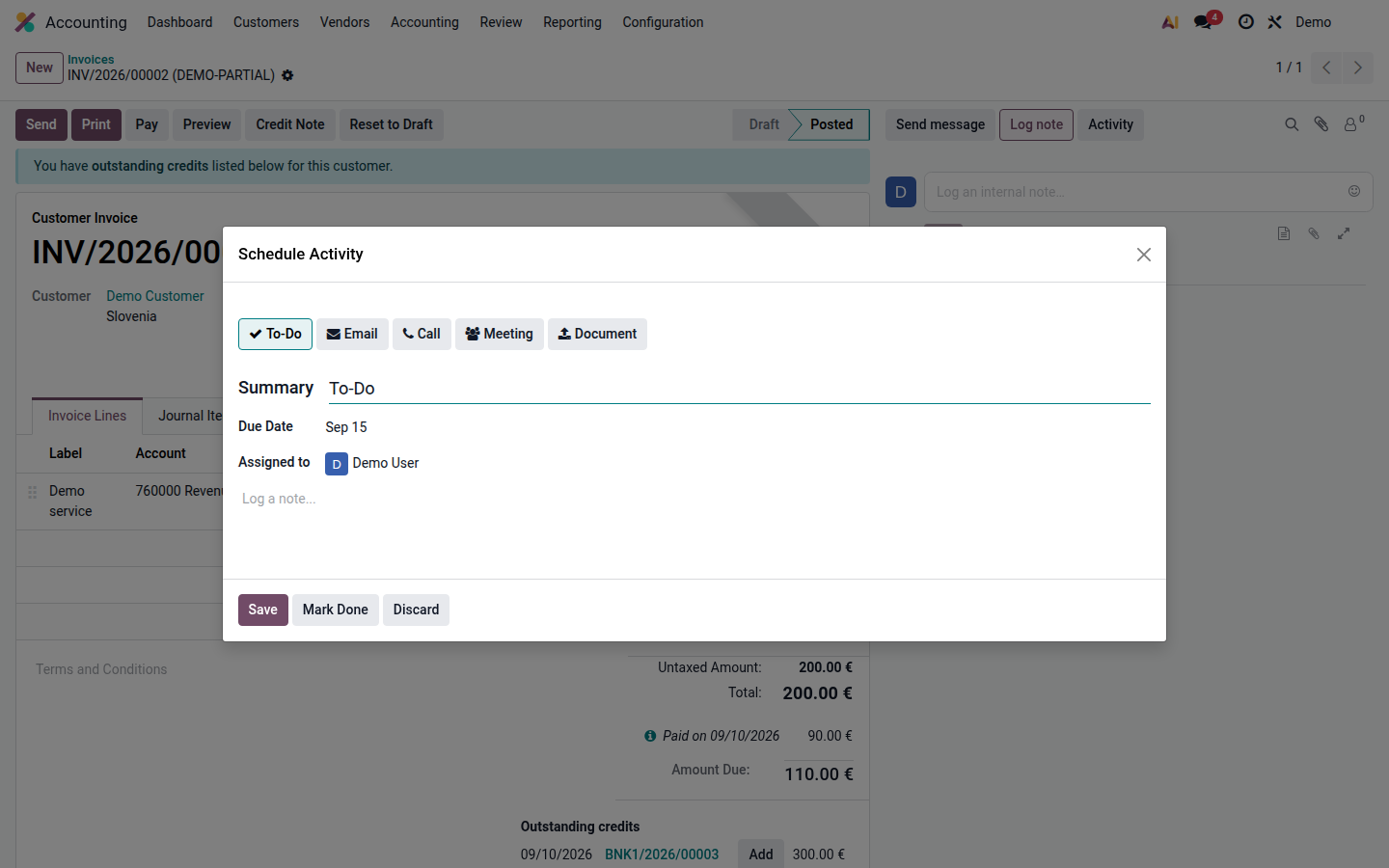
Use Schedule Activity to create the next action. Set an activity type, responsible user, due date, and a clear summary.
Open image at full size (new tab) -
Review your assigned activities from the activity menu or record list. Open the record before acting so you see the latest messages.
-
After completing the work, use Mark Done, record the outcome, and schedule the next activity if required.
Following a record controls notifications. Some applications also use followers in their access rules, so check the record’s sharing settings before adding an external follower. A message is not a substitute for an assigned activity when somebody must act by a deadline.
See Odoo 19 — Activities.