

Sales
Quick summary: These guides connect sales configuration to its result on a quotation, web order, invoice, or commission purchase order.
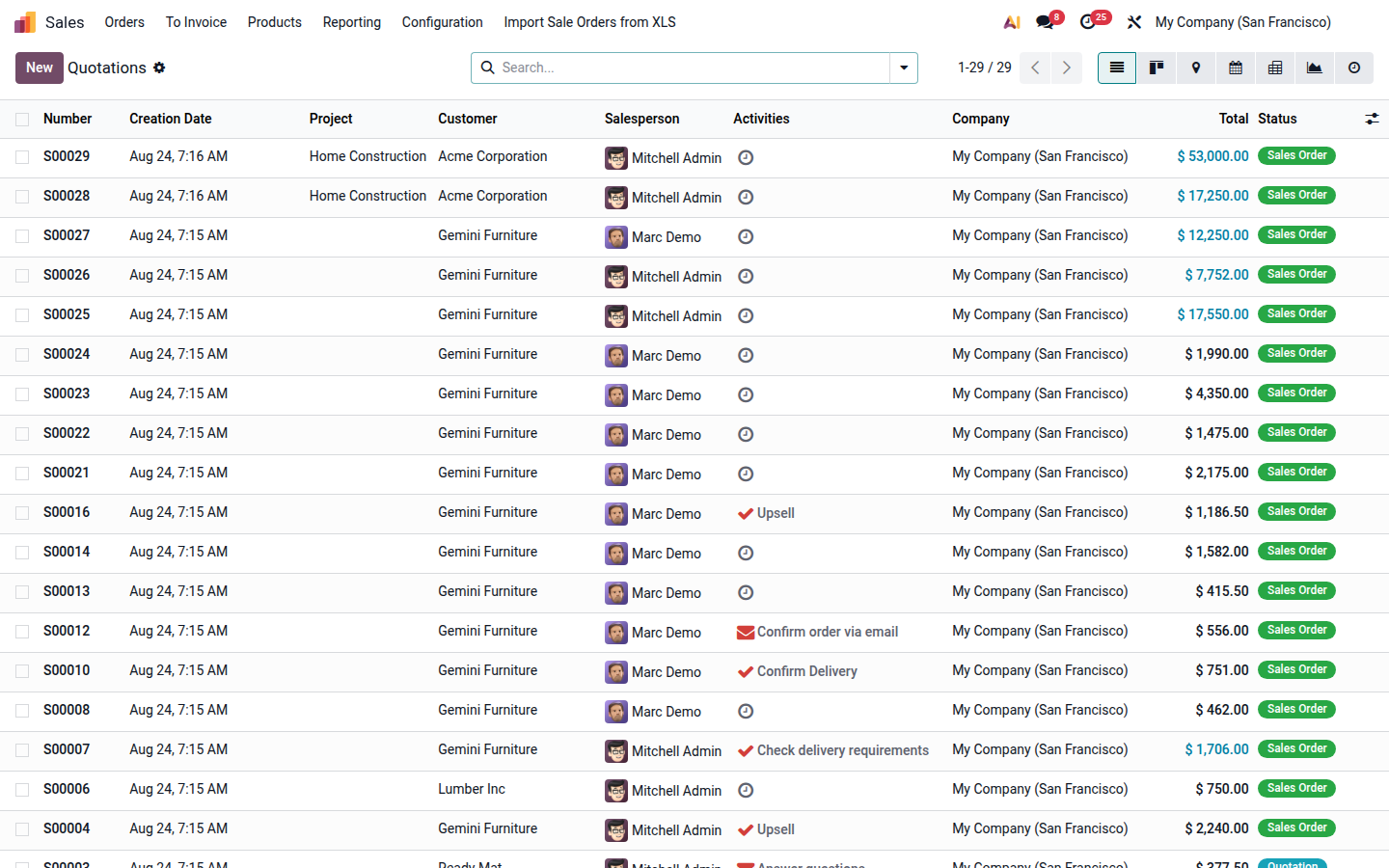
Open in Odoo
Section titled “Open in Odoo”Open
Guides
From quotation to sales order and invoicePrepare an offer, confirm the accepted order, and create the invoice from the same sales record.
Apply pricelists and discountsSelect the agreed customer price and verify discounts before sending a quotation.
Renew, change, and close subscriptionsUse a linked renewal or upsell quotation and close a subscription only after checking its billing obligations.
Handle customer returns and refundsUpdate the sales order, return goods, create a credit note, and settle it through an online provider refund or an outgoing payment.
Reconcile bank transfers with sales ordersMatch an incoming bank transfer to a sales order and correctly handle overpayments and underpayments.
Price historyEnable price recording and review the lowest recorded product price.
Configure affiliate commissionsConnect a commission plan, referrer, and eCommerce promotion code.
Process and pay commissionsVerify the referrer, commission purchase order, and partner payout.
Multiple companies and websitesEssential rules for shared user accounts and separate pricelists.
Payment terms with a depositRecalculate final-invoice instalments when part of the price is invoiced as a deposit.
Subscription free trialsEnable a free period on a recurring subscription plan.