

Expenses and reimbursements
Quick summary: Use Expenses for documents issued to the employee. A bill issued to the company must be posted as a vendor bill and reimbursed through a separate workflow.
Record and submit an employee expense
Section titled “Record and submit an employee expense”-
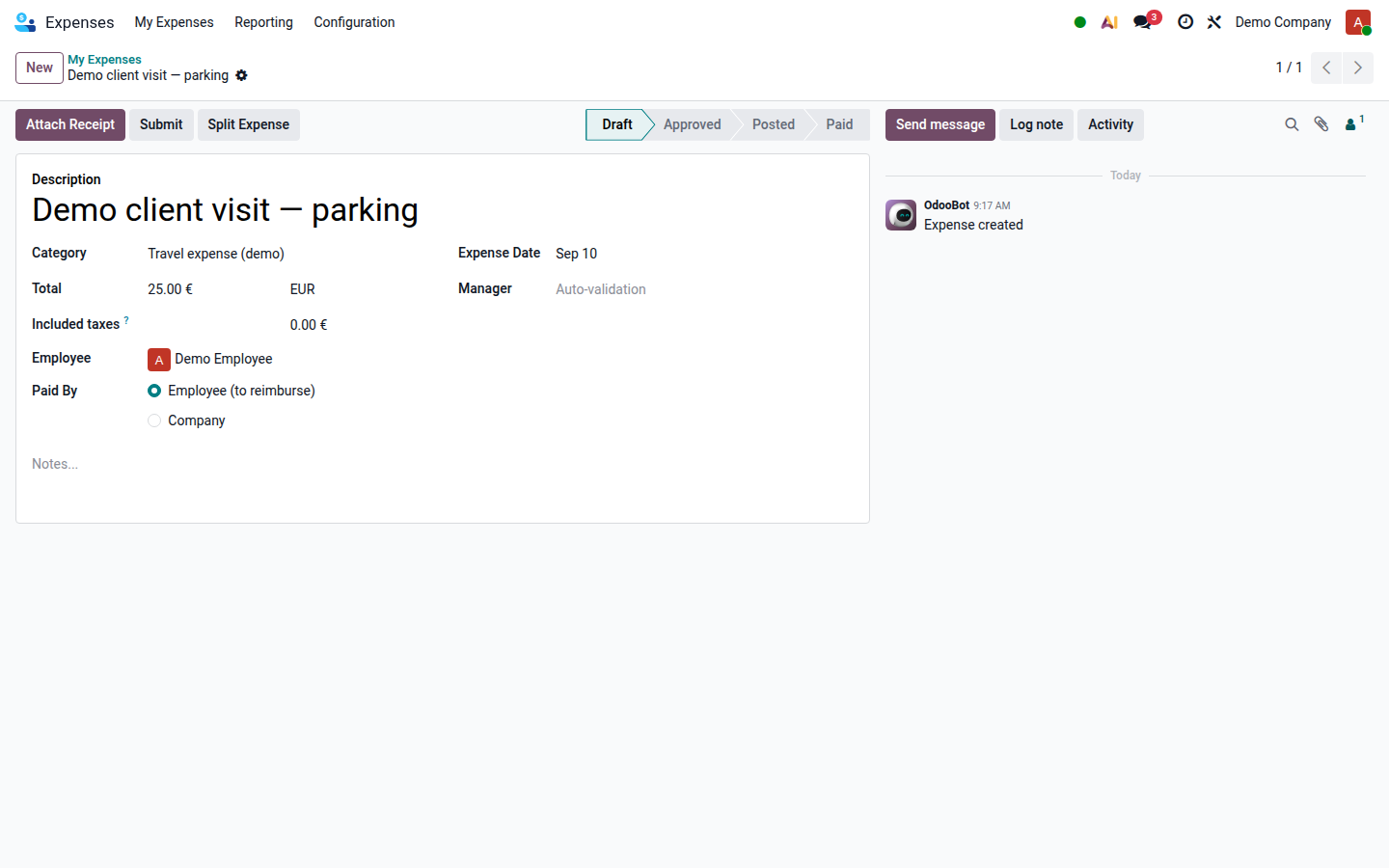
In Expenses, click New and enter the description, category, expense date, gross amount and currency.
-
Check the included taxes against the receipt and select who actually paid in Paid By. Attach a readable receipt.
Open image at full size (new tab) -
Review the amount, payer and any customer or analytic assignment, then click Submit. Odoo 19 processes individual expenses; you do not need to create an expense report first.
-
Check the resulting status and respond to requests for missing evidence. Do not submit the same receipt again as a new expense.
Approve, post and reimburse
Section titled “Approve, post and reimburse”- The authorized approver reviews the business purpose, receipt, amount and possible duplicates, then uses Approve or Refuse with a reason.
- Accounting checks taxes, accounts, analytic distribution and the payer before using Post Journal Entries. Where the posting dialog appears, check the journal and accounting date before confirming.
- For an employee-paid expense, accounting registers the reimbursement payment after posting. For a company-paid expense, do not create another employee reimbursement.
- Reconcile the bank debit with the recorded payment and check the expense’s final payment status.
Approval is not posting, and posting an employee-paid expense does not mean that the employee has been paid. These actions require the appropriate approver and accounting permissions.
Exceptions
Section titled “Exceptions”- If the document names the company and its VAT number, use Reimburse an employee-paid vendor bill. Do not also record it as a standard expense.
- If the expense belongs to a travel order, complete that order’s review and posting workflow; do not post the linked expense twice.
- Before posting, correct a refused expense through the available reset action and resubmit it with the missing information.
- For an error on a posted or paid expense, ask accounting to review the accounting reversal and payment consequences before changing it.