

Your first day in Odoo
Quick summary: Start with the correct company and personal settings before creating business records.
Sign in and prepare your workspace
Section titled “Sign in and prepare your workspace”-
Open the Odoo address supplied by your employer and sign in using your own account. Complete the invitation first if this is your first visit.
-
Open your profile menu and My Preferences. Check Language, then open Calendar to check Timezone and save. The timezone affects how meeting times and other date-and-time values appear.
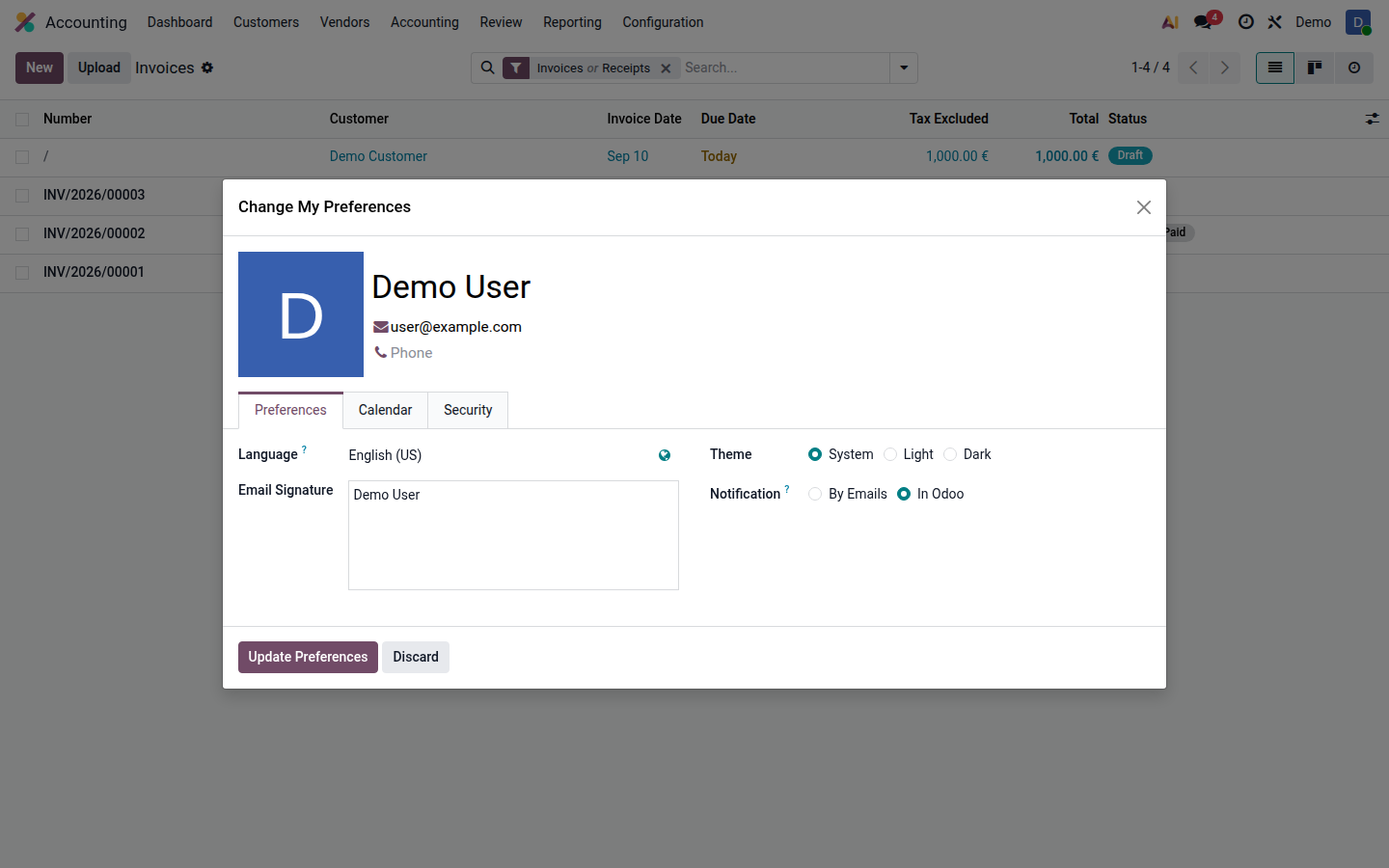
Open image at full size (new tab) 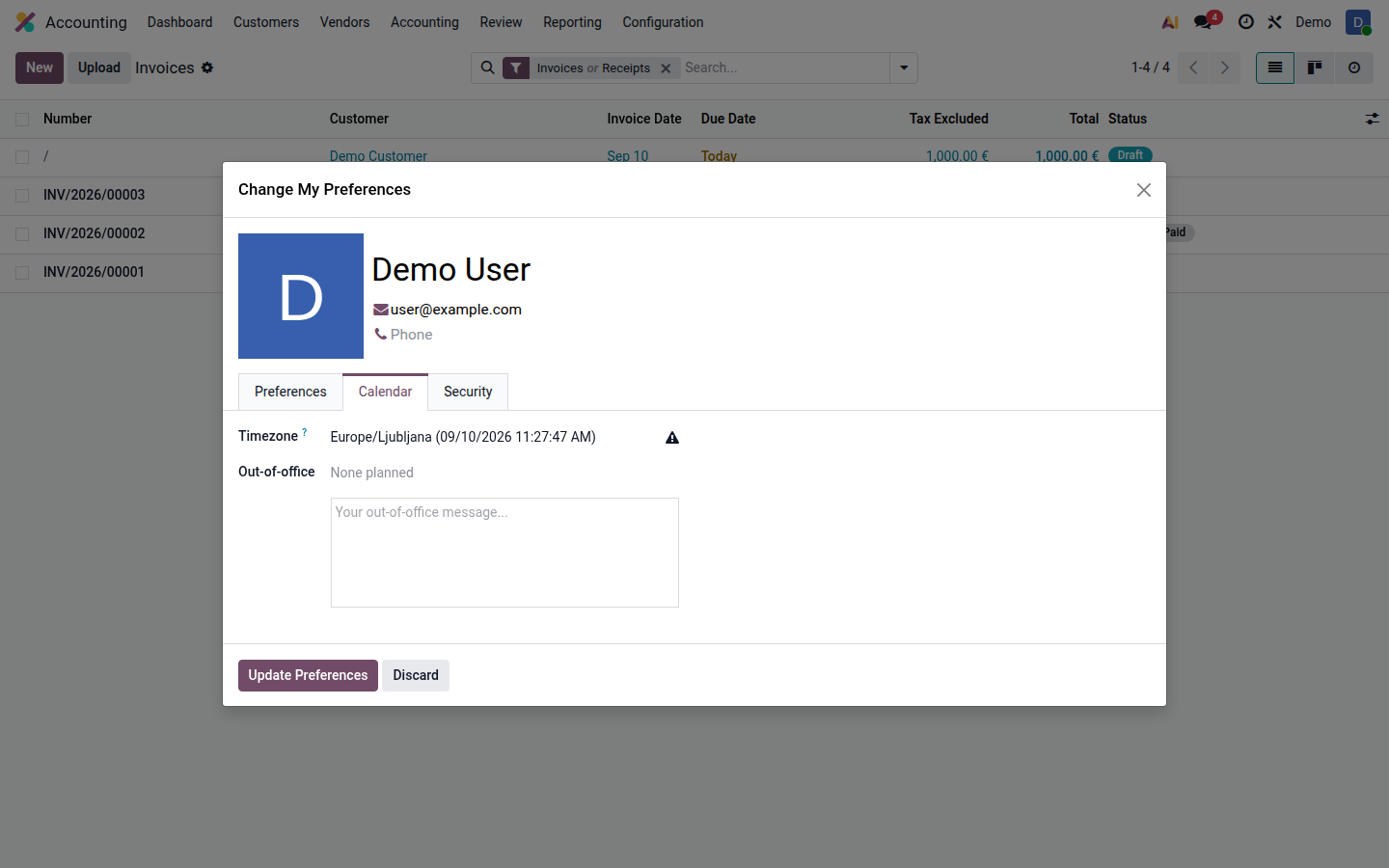
Open image at full size (new tab) -
If you can access several companies, open the company selector. Check the active company before creating a quotation, invoice, purchase, or stock operation. Selecting several companies can show records from more than one company; it does not transfer records between them.
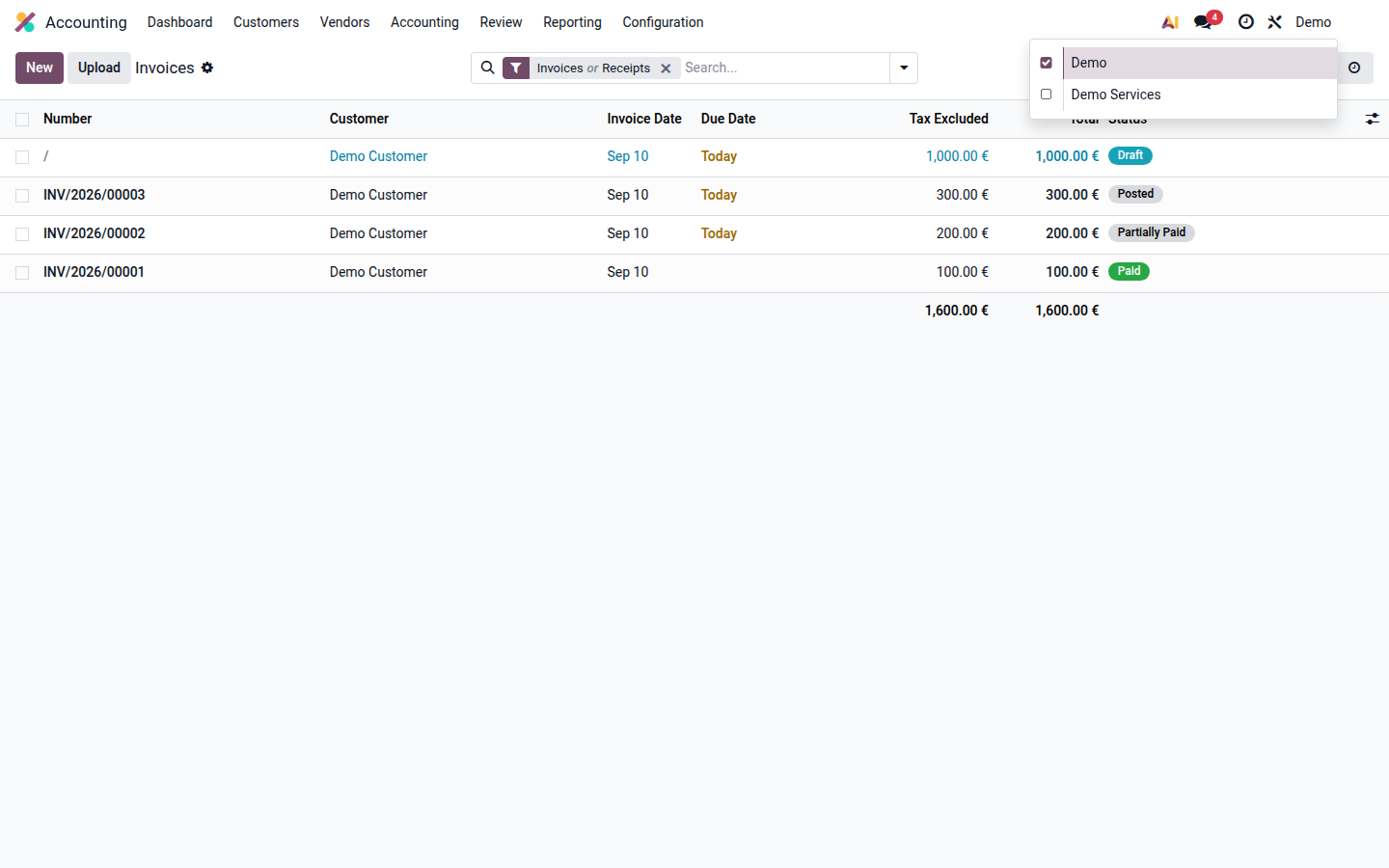
Open image at full size (new tab) -
Open an application from the app menu. The available apps and records depend on your access rights.
-
Set up two-factor authentication and learn to find records.
If something is missing
Section titled “If something is missing”Remove search filters and verify the company first. If an application or action is still absent, ask your administrator to check your role. Do not use a colleague’s account.
Use the password-reset option on the sign-in page when available. If it is absent, or your authenticator is unavailable, contact your administrator.
Ask for useful help
Section titled “Ask for useful help”Describe the action, expected result, actual result, document type, and time of the problem. Share confidential documents only through your employer’s approved support channel. Never send passwords or authenticator setup codes.