

Receive goods and handle partial receipts
Quick summary: Record the goods that actually arrived and keep outstanding quantities open for a later receipt.
Before you start
Section titled “Before you start”You need Inventory access and the receipt generated by a confirmed purchase order. Check the company, supplier, warehouse and supplier delivery note. This procedure handles the receipt step; warehouses with multiple steps also require the subsequent internal transfer into storage.
Receive the delivery
Section titled “Receive the delivery”-
Open Inventory > Operations > Receipts and find the receipt by purchase order or supplier. Open the existing receipt to preserve its purchase link.
-
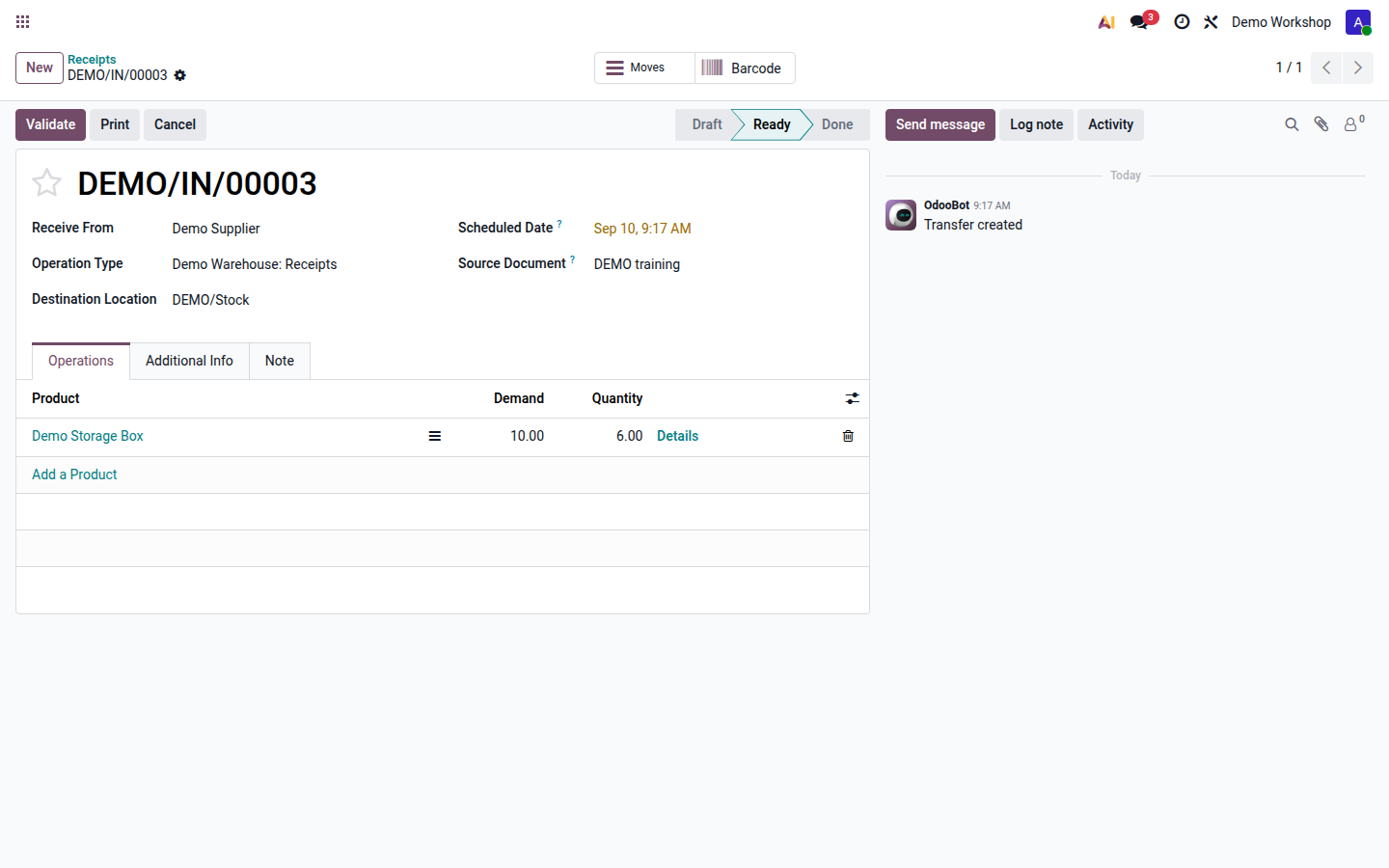
Compare the products and Demand with the goods. Count the physical units, check damage, and verify the unit of measure before entering a quantity.
-
Enter the actual Quantity for each line. Open the line details to split quantities between locations or lots. Record each serial number for serial-tracked units; do not assign one serial to several units.
Open image at full size (new tab) -
Check that quantities for goods that did not arrive are zero. A prefilled quantity is not evidence that the goods arrived.
-
Click Validate only after the quantities and destination are correct. Validation records the stock movement.
-
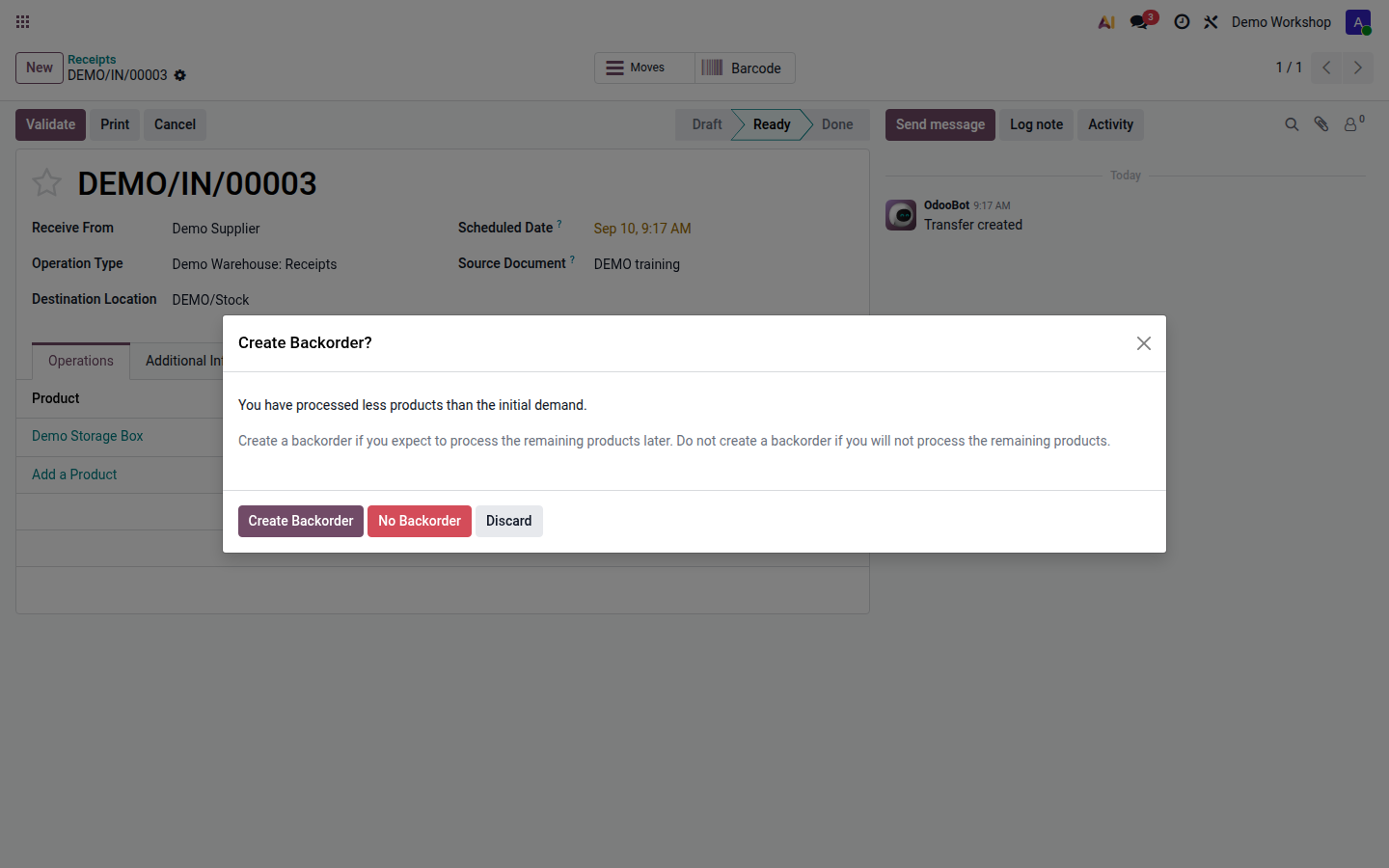
If prompted about the remainder, choose Create Backorder when the supplier will deliver it later. Choose No Backorder only when the outstanding delivery is intentionally cancelled. The operation type can create or cancel backorders automatically, so a prompt is not guaranteed.
Open image at full size (new tab)
Result and follow-up
Section titled “Result and follow-up”The receipt is completed for the actual quantity. For 10 ordered units and 6 received, a backorder holds the remaining 4 when it is retained. Check the received quantity on the purchase order and the linked backorder before processing the next delivery.
With two- or three-step receipts, complete the warehouse’s remaining quality/storage transfers; receiving into an input location does not place goods in the final shelf location. Report damage before accepting unusable goods into available stock.
If validation requires a lot or serial, complete tracking details. For a completed receipt error or goods sent back, use returns or correct completed movements.