

Two-factor authentication (2FA)
Quick summary: After entering your password, you will also enter a code from a mobile authenticator or password manager.
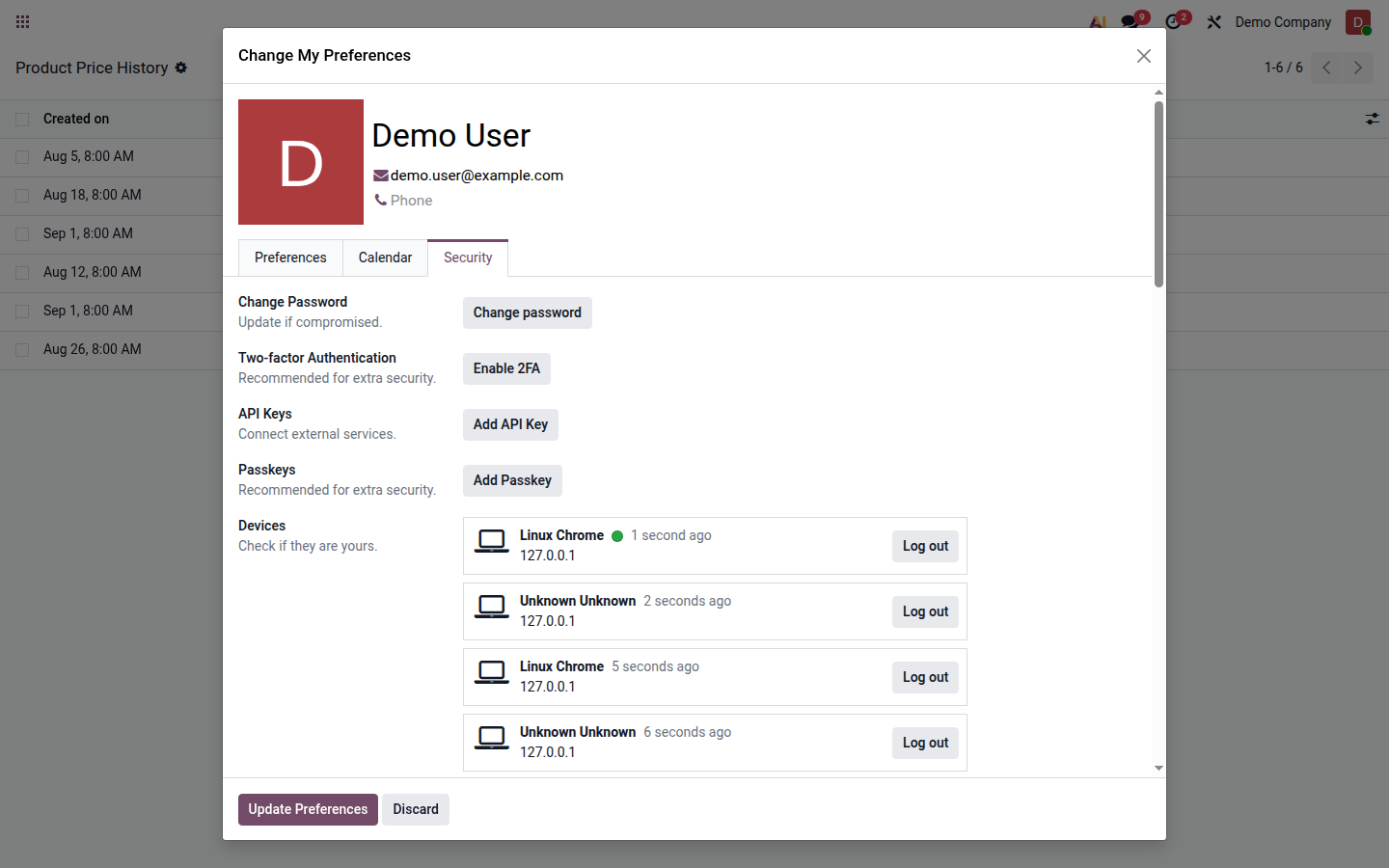
Enable 2FA
Section titled “Enable 2FA”- Install an authenticator such as Aegis, Google Authenticator, Microsoft Authenticator, 1Password, or Bitwarden.
- In Odoo, select your profile picture and choose My Preferences.
- Open the Security tab and click Enable 2FA.
- Confirm your password.
- Scan the QR code with the authenticator. If scanning is unavailable, use the displayed setup key.
- Enter the six-digit Verification Code and click Activate.
- Sign out and perform a test sign-in.
Never email the setup key or QR code, and do not store it with ordinary documents.
See also the official Odoo 19 guide.